

AI Pinterest plugin for WordPress
Turn the images you already have into Pinterest traffic
WP Pin Master Pro writes your pin descriptions, alt text and hashtags with AI, then publishes to Pinterest for you — across your whole media library, not one image at a time.
One-time payment · 14-day money-back guarantee · Bring your own AI key
An add-on for the free WP Pin Master plugin — install that first, then unlock the Pro features with your licence key.
What Pro adds
Everything in the free plugin, plus the work you would otherwise do by hand.
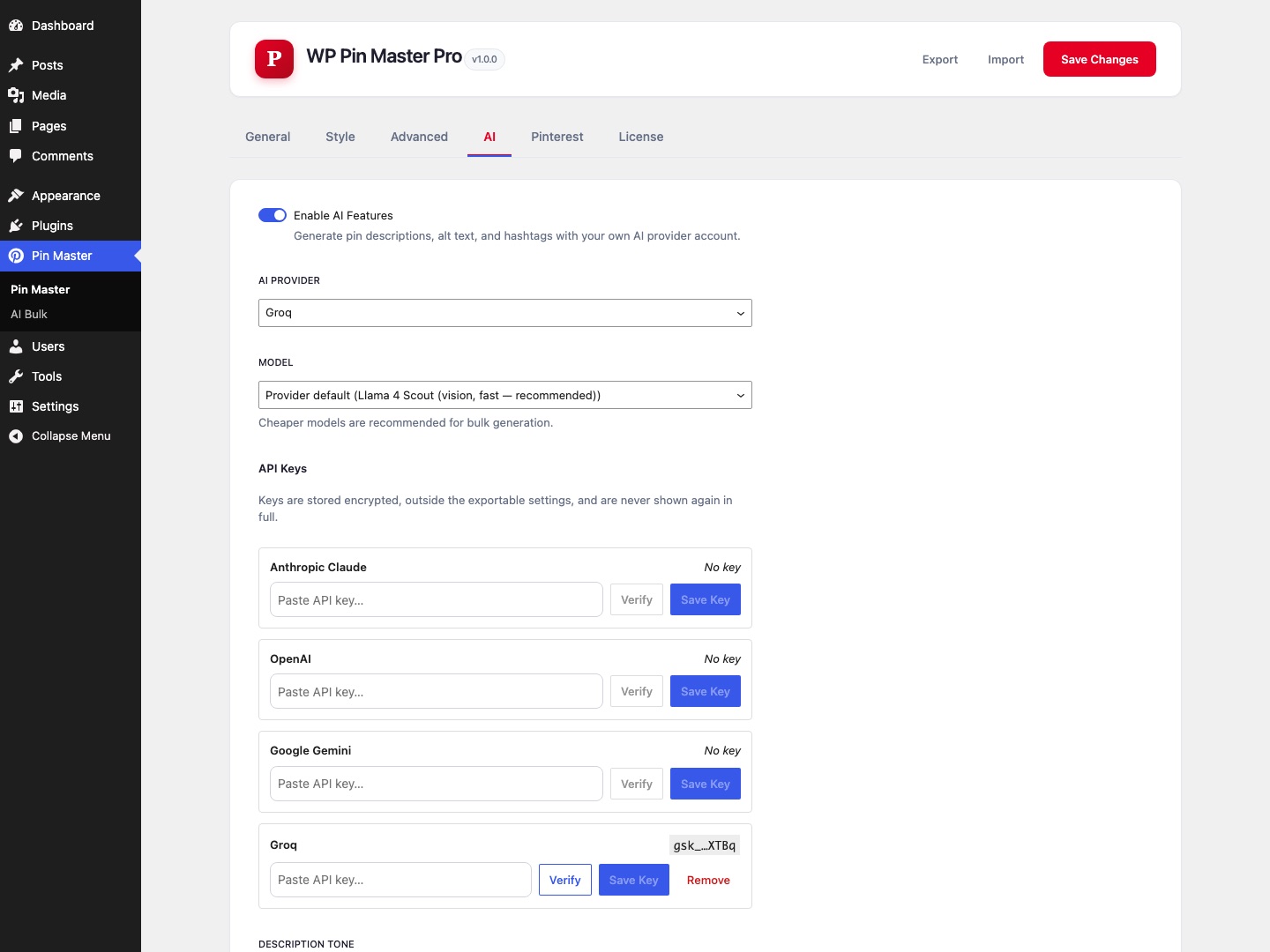
AI descriptions, alt text and hashtags
Pin descriptions are the difference between an image that gets found and one that does not — and writing them for 400 images is nobody’s afternoon. Pro generates them from your post content and the image itself, using your own API key for Anthropic Claude, OpenAI, Google Gemini or Groq. Nothing is sent anywhere until you press generate.
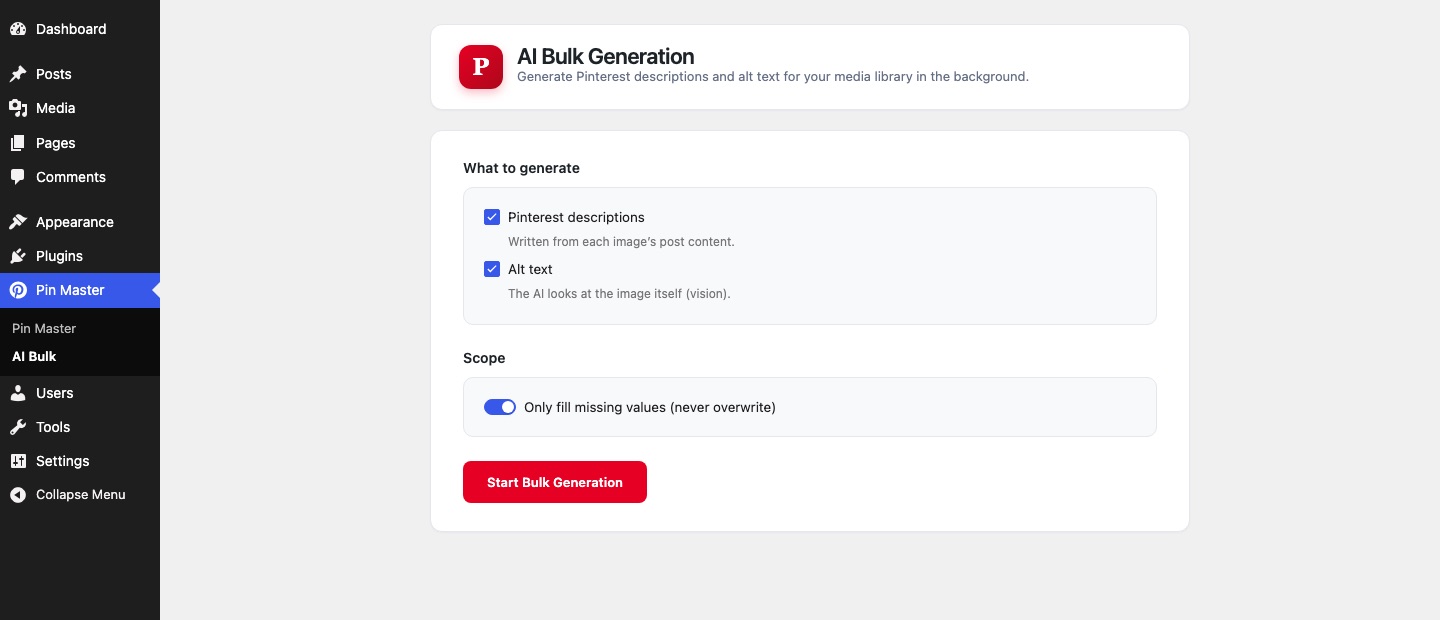
Bulk generation across the whole library
Point it at your media library and walk away. Jobs run in the background, so closing the tab does not stop them, and you can watch progress or cancel at any time.
Auto-publish to Pinterest
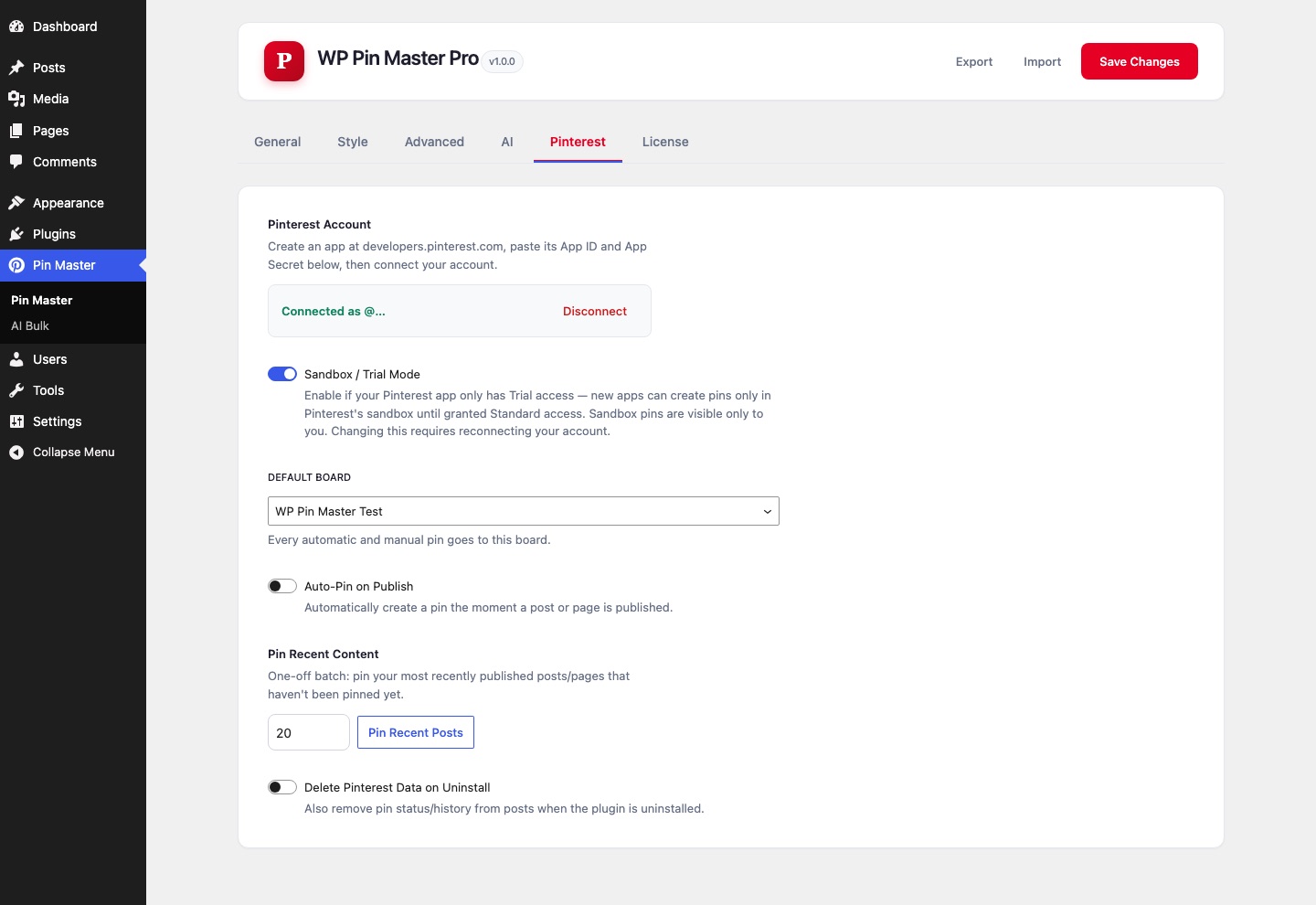
Connect a Pinterest account once. After that, new posts can pin themselves on publish, you can backfill recent posts in bulk, or pin a single post straight from the Posts list.
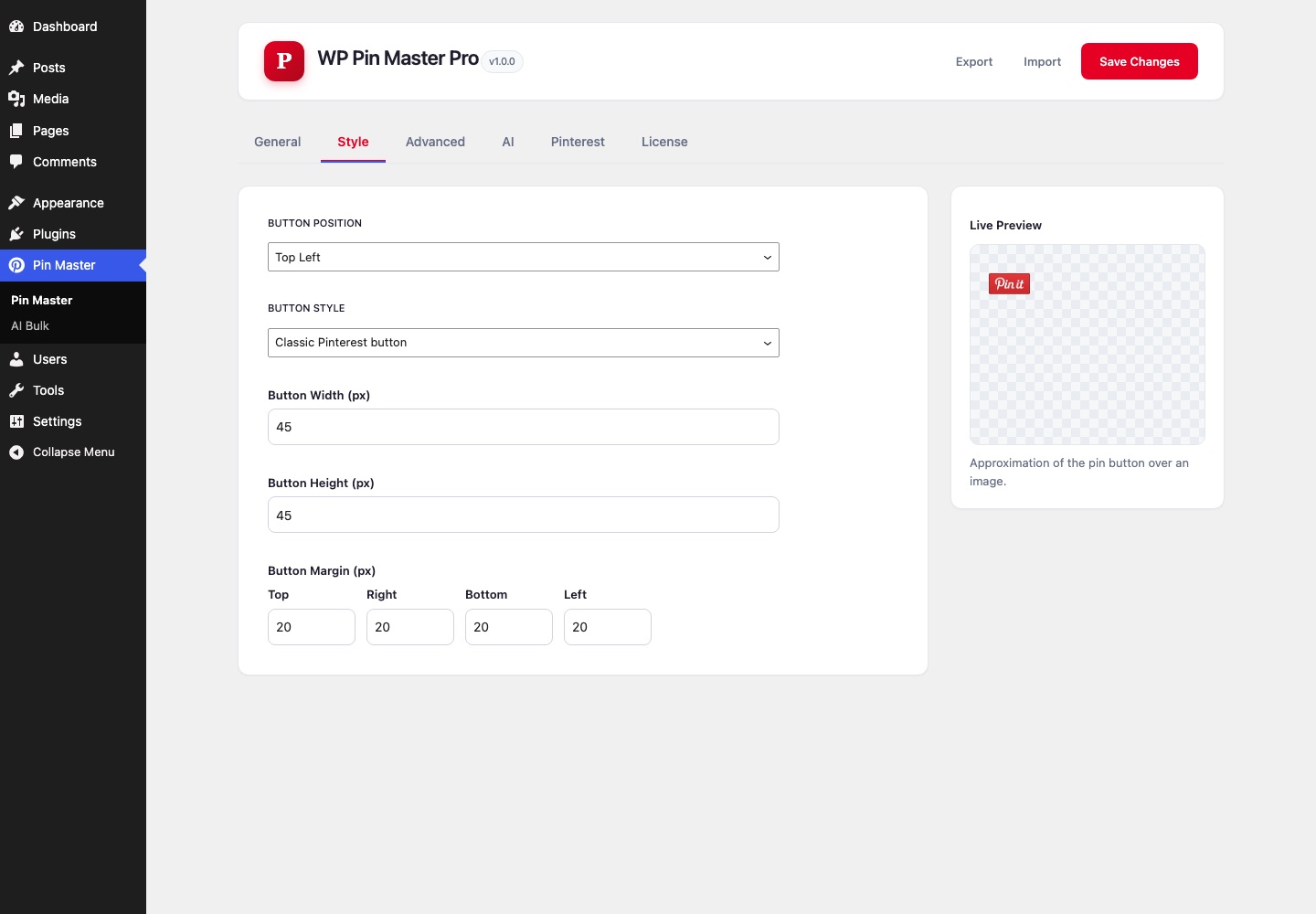
Full control over every button
Always-visible and touch-device buttons, sidebar and site-wide image coverage, custom icons or your own button image, and per-image Pinterest description, Repin ID and No Pin controls.
Free vs Pro
The free plugin is genuinely useful on its own. Pro is for when doing it by hand stops scaling.
| Free | Pro | |
|---|---|---|
| Auto-publish to Pinterest | ✕ | Yes |
| AI descriptions, alt text, hashtags | ✕ | Yes |
| Bulk AI generation | ✕ | Yes |
| Always-visible & touch-device buttons | ✕ | Yes |
| Sidebar and site-wide coverage | ✕ | Yes |
| Custom icons and button image | ✕ | Yes |
| Per-image description, Repin ID, No Pin | ✕ | Yes |
| Custom post type targeting | ✕ | Yes |
| Pin button on hover | Yes | Yes |
| Style, position and size controls | Yes | Yes |
| Follow and board widgets | Yes | Yes |
Up and running in three steps
STEP 1
Install the free plugin
Add WP Pin Master from WordPress.org. The pin button works on your images straight away.
STEP 2
Get Pro
Your licence key and download link arrive instantly — by email and in your account.
STEP 3
Activate and connect
Upload Pro, paste your key, add your AI API key and connect Pinterest. That is the whole setup.
Pricing
One payment. The licence never expires — only the year of updates does.
Personal
$9
one-time
1 site
For your own blog.
MOST POPULAR
Business
$39
one-time
5 sites
For a small portfolio of sites.
Agency
$99
one-time
Unlimited sites
For client work, with no counting.
Every tier includes the same features and one year of updates and support. After the year the plugin keeps working exactly as it is — you only renew if you want newer versions. Not right for your site? Full refund within 14 days.
Questions
Do I need the free plugin too?
Yes. Pro is an add-on — install the free WP Pin Master first, then add Pro and enter your licence key.
Does the plugin stop working when the year ends?
No. The licence is perpetual. When the year of updates ends you keep the version you have and it keeps working; you only renew if you want the newer releases.
Do I need to pay for AI separately?
You bring your own API key — Anthropic Claude, OpenAI, Google Gemini or Groq. That means you pay the provider directly at their rates, and your key never leaves your site.
What is sent to the AI provider?
Only the image and post content for the item you are generating, and only when you trigger it. Nothing is sent in the background or on a schedule.
What if it does not work for my site?
Contact us within 14 days of purchase for a full refund.
Can I move a licence to another site?
Yes. Deactivate it on the old site from the plugin’s licence screen, which frees the slot for a new one.
What are the requirements?
WordPress 6.0 or newer, PHP 7.4 or newer, and the free WP Pin Master plugin. Auto-publishing needs a Pinterest account you connect once.
Stop writing pin descriptions by hand
From $9, once. The licence never expires — and you have 14 days to change your mind.