

Performance
WordPress Speed Optimization Service That Fixes the Cause, Not the Score
Slow admin or slow pages? We measure first, fix the cause and send you the same numbers before and after.
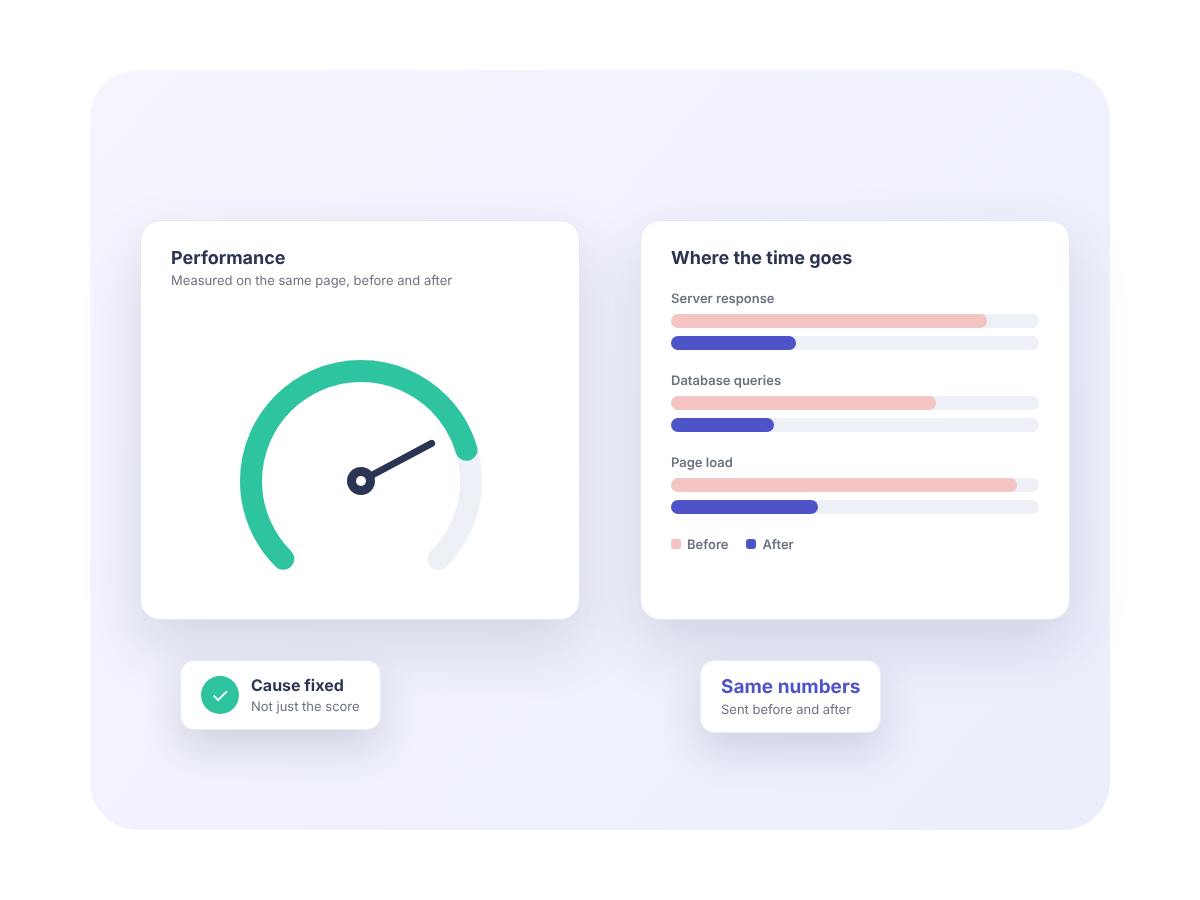
Why a PageSpeed score misleads, and what we measure instead
A PageSpeed score tests one URL, loaded once, on a simulated device. It says little about the pages your visitors actually hit.
Time to first byte
How long the server takes to start sending the page. If it is high on an uncached request, the problem is in PHP or the database, and no front-end work will change it.
Uncached pages
Search results, logged-in views and anything a page cache cannot serve. On stores that includes cart, checkout and account pages. We measure with the cache bypassed.
The admin
Nobody caches wp-admin. A slow dashboard or editor usually shares its cause with a slow front end, and it can be measured there with no cache in the way.
The usual causes on WordPress sites
After enough of these projects the list gets short. Images are on it, but almost never at the top.
01
Autoloaded options
WordPress loads every autoloaded option on every request. Leftover data from removed plugins and large transients add time to every page, cached or not.
02
Plugins loading everywhere
A form plugin loading its scripts on every page, or a plugin running a database query on every request, is small alone. Thirty of them are not.
03
Page builders
Builders generate deeply nested markup and load their full CSS and JavaScript everywhere. Sometimes the fix is configuration, sometimes rebuilding the templates.
04
No object cache
Without a persistent object cache, every request repeats the same database queries. Membership sites and sites with heavy queries feel this most.
05
Hosting
An old PHP version, a crowded shared server or a slow database sets a floor under everything. We say plainly when the honest fix is to move.
06
Images, last
Oversized images are real, but they are the easiest fix and the one every optimizer already sold you. We handle them last, once the server work is done.
How a speed optimization project runs
Four steps, the same on every project.
1
Baseline and diagnosis
We record time to first byte, slow admin screens, autoloaded options, query counts and lab scores, then write up each cause and how much of the total time it accounts for.
2
Priced fix list
Each fix is priced separately and you choose which to do. If the diagnosis shows the problem is your host, the list says so.
3
The work, on staging
Changes are made in a staging copy using hooks and configuration rather than edits to core or plugin files. You see the result before it goes live.
4
Re-measure
The same numbers as the baseline, taken the same way, side by side. If a fix did not deliver what we predicted, that is in the report too.
What we tell you honestly
Three things worth knowing before you hire anyone for speed work.
Some limits are not in the code
Some sites cannot be made fast without changing something the owner does not want to change. A site on cheap shared hosting will not get a low time to first byte whatever we do in the code, and a membership site with every page personalized needs an object cache and query work instead of a page cache.
We say so before you commit
When that is the situation we say so in the diagnosis, with the options and what each costs, before you commit to anything beyond the baseline. It is better to hear that the answer is a hosting change than to pay us to work around it. If the site has deeper problems than speed, we recommend site rescue first, because fixing speed on top of an unstable site wastes your money.
Speed needs upkeep
Speed does not stay fixed either. Plugins update, editors upload images and someone installs a new tool. A Care Plan keeps the site updated and monitored, so slowdowns are caught early rather than rediscovered a year later.
Speed optimization FAQ
Answers to the questions we hear most before an optimization project starts. Cannot find yours? Send us a message and we will reply.
Will you guarantee a PageSpeed score?
No, and be careful of anyone who does. A score can be raised by delaying scripts until the tool finishes measuring, which makes the page slower for real visitors. We commit to measured improvements in time to first byte and uncached load time, reported against the baseline. Scores usually rise as a side effect.
Can you just install a caching plugin for us?
We can, and if that is all your site needs, the diagnosis will say so and the price will reflect it. Most sites that reach us already have one. The baseline exists to find out what the cache is hiding.
Do you need access to our hosting?
Yes, at least the WordPress admin, and preferably the server or hosting panel so we can read the PHP version, database size and server logs. We work on a staging copy, never on the live site first.
Is this the right service for a WooCommerce store?
Yes. Stores have all the causes above plus cart fragment requests, uncacheable checkout pages and slow product data queries at scale, and we cover those as part of the work.
What Our Customers Say
Real 5-star feedback from Codeable, Upwork and ThemeForest.
Ready to Start Your Project?
Let’s discuss how we can help bring your vision to life with our expertise and creativity.