

WooCommerce
WooCommerce Development Services for Stores That Need More Than Plugins
We build, extend and rescue WooCommerce stores with documented hooks, never core edits, so the next update does not undo the work.
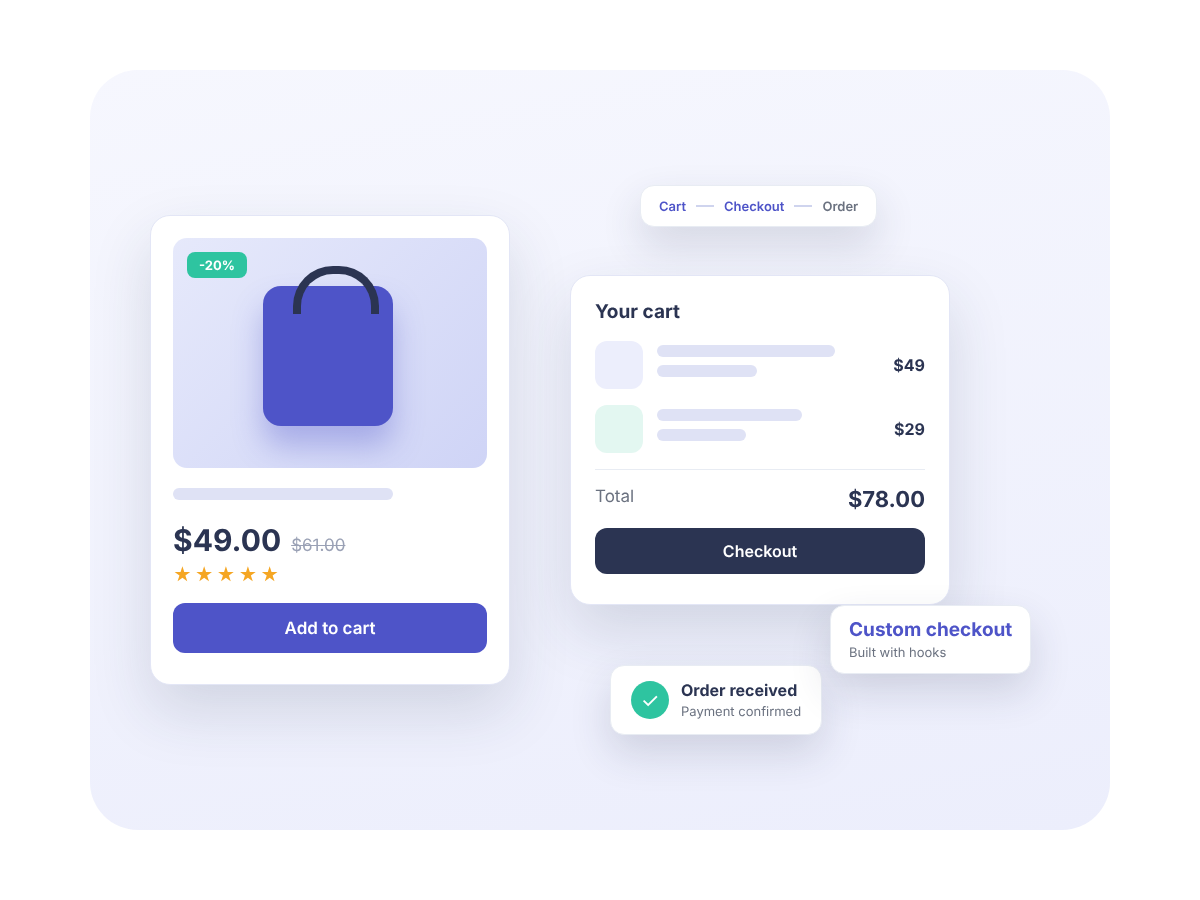
Start with the problem you need solved
WooCommerce work splits into a few distinct jobs. Pick the closest one. If none fits, send the brief anyway and a developer will reply.
Custom extensions
Role-based pricing, quote requests, custom product types, order workflows and shipping or tax rules, built as proper plugins on documented WooCommerce hooks.
Checkout customization
Extra and conditional fields, multi-step flows, deposits and address validation, built for both the classic shortcode checkout and the block checkout.
Integrations
ERPs, CRMs, accounting software, warehouses and payment providers connected over REST APIs and webhooks, built to handle failures and duplicate orders.
Speed optimization
Slow product pages, admin or checkout. We measure before we change anything, then fix the actual cause, whether that is the database, cart fragments or a plugin.
Migration to WooCommerce
Products, customers, order history and redirects moved over without losing search rankings, with a clear plan for passwords and payment setup.
Store rescue and fixes
The store broke after an update, or the previous developer is gone. We stabilize it first, explain what we found, then fix it properly, with a written report of what went wrong.
What WooCommerce work usually involves
Most briefs are one of four things, sometimes two at once. Knowing which one you have makes the scope shorter and the quote more accurate.
01
Extensions
WooCommerce handles a standard store well. When your pricing, products or order process stops being standard, you need code, and that code belongs in a plugin of its own that keeps working through WooCommerce updates.
02
Integrations
Connecting other systems is the easy part. The real work is what happens when the other system is down, returns bad data or sends the same order twice, so we build for the failure cases first.
03
Performance
WooCommerce keeps product data in posts and postmeta, which slows down as catalogs grow, and cart, checkout and account pages cannot be page-cached. A caching plugin alone will not fix that.
04
Migrations
Moving from another platform means mapping data, keeping URLs, recreating payment and shipping setup and asking customers to reset passwords. A migration is a project with a checklist, not a plugin you install.
How we work
The same process on every WooCommerce project, whether it is a two-day fix or a longer build.
1
Brief and questions
Send a link to the store and a rough list of what you need. A developer replies with the few questions that decide the scope, and no more.
2
Written scope and price
It lists what is included, what is not, and what we need from you, so there are no surprises later.
3
We build on staging
We use hooks and filters, never edits to WooCommerce or theme core, so you can update safely. You can review the work before it goes live.
4
Testing and handover
We test the checkout, emails and edge cases, then hand over the code with documentation and stay available when WooCommerce ships a breaking change.
Who this is for
Two kinds of clients usually work with us.
Store owners
You have outgrown what off-the-shelf plugins can do. You want a developer who explains decisions in plain language and does not disappear after launch.
Agencies
You sell WooCommerce work but do not want to carry a WooCommerce developer on payroll. We can work under your name and in your tools, and we never contact your client.
WooCommerce development FAQ
Answers to the questions we hear most before a WooCommerce project starts. Cannot find yours? Send us a message and we will reply.
How much does WooCommerce development cost?
It depends on the scope. We quote a fixed price against a written scope for defined projects. Send a short brief with your budget range and we will tell you whether the two fit.
Do you work on stores you did not build?
Yes. We start by reading the existing code and plugin list, tell you what we found, and only then quote. If the store is actively broken, our site rescue process applies.
Classic checkout or block checkout: which should my store use?
If your classic checkout works, there is rarely a reason to move. New stores use the block checkout by default, which needs JavaScript extensions rather than PHP hooks. We build for both and will tell you which one your customization is cheaper on.
Will you keep supporting the work after handover?
Yes. WooCommerce ships breaking changes a few times a year, and we handle compatibility updates for work we built. For ongoing care, see our Care Plans.
What Our Customers Say
Real 5-star feedback from Codeable, Upwork and ThemeForest.
Ready to Start Your Project?
Let’s discuss how we can help bring your vision to life with our expertise and creativity.